Let me be straight with you before anything else: the 3unlocker apk you are searching for is not what most download pages say it is. The 3unlocker apk is a free Windows computer program that claims to remove the iCloud Activation Lock from iPhones, iPads, iPods and Apple Watches. It is not an Android app, there is no genuine Android version of it, and there is no official website where you can download it safely. That matters, because most of the “3unlocker apk download” links floating around the internet are fake, loaded with surveys, or worse, bundled with malware.
So why does this page still exist, and why should you read it? Because if you landed here looking for the 3unlocker apk, you deserve the truth before you hand your phone, your computer, or your money to a random download button. Independent reviewers tested the 3unlocker apk on several iOS devices running different firmware versions, and not a single device was unlocked. Every test got stuck on the same “uploading 3Unlocker to device” screen. This guide gives you the full picture: what the 3unlocker apk claims to do, what the tests actually found, how the tool is supposed to work, and which verified alternatives genuinely remove an iCloud lock. The 3unlocker apk file itself is not available for download here yet, and this page will tell you exactly why.
What Is 3unlocker APK?
3unlocker apk is the search name for 3Unlocker, a free Windows PC tool that claims to remove the iCloud Activation Lock from iPhones, iPads, iPods and Apple Watches. There is no genuine Android APK of 3Unlocker and no official website, and independent tests found no proof that it works, with every tested device getting stuck on the upload screen.
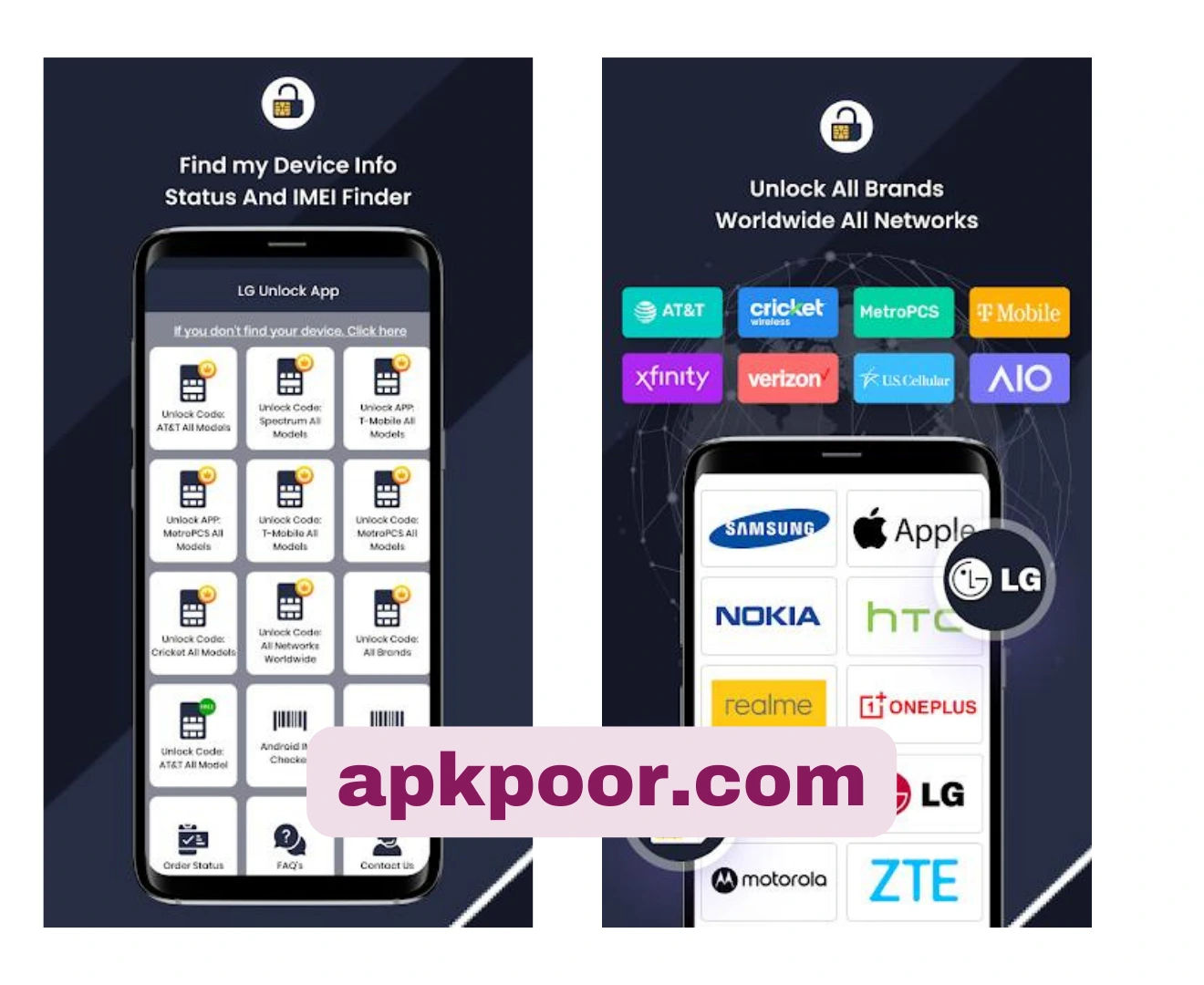
That short answer is the most important thing on this page. The longer answer is that the 3unlocker apk has been passed around unlock forums and download sites for years as a free fix for locked iPhones, and its own promotional pages promise a lot: free unlock codes for AT&T phones, a free IMEI check service, free LG device unlocks, and a permanent unlock in about five minutes. None of those promises has been confirmed by any independent source. Reviewers at iToolab, FoneGeek, Foneazy, WipeLock and imyPass all reached the same conclusion: the tool is easy to describe and very hard to actually download from a trustworthy source, and when they did get a copy and tested it, it did not unlock a single device.
If you are here because your own iPhone is iCloud locked, or because you bought a second-hand device that still asks for the previous owner’s Apple ID, the honest advice is to read the comparison section of this guide before you download anything. A free tool that does not work costs you more than money: it costs you hours, it can expose your computer to malware, and it can leave your device exactly as locked as it was. The 3unlocker apk listing below lays out every fact we could verify, and nothing we could not.
3unlocker APK App Info
The table below is the honest version of the facts. Older listings for the 3unlocker apk showed a version number of 3.0.7, a size of 1 MB, an “IMEI Unlock” developer and an Android 4.4 requirement, but no source anywhere confirms any of those values, so we do not repeat them as facts. What is verified is that the 3unlocker apk is a Windows program, not an Android app, and that it has no official website and no named developer maintaining it today.
Two things in that table deserve a second look. First, the old listing’s “Android 4.4 and up” requirement was simply wrong: the 3unlocker apk runs on a Windows computer, and you connect your iPhone or iPad to that computer with a USB cable. It was never an Android app, so an Android requirement never applied. Second, the old “IMEI Unlock” developer credit does not match any source. The review sites that studied this tool all say the same thing: nobody maintains it officially any more, and nobody publishes updates for it. That is why there is no trustworthy version number and no trustworthy file size to print here.
Features of 3unlocker APK
Every feature below is something the 3unlocker apk itself claims to do, or something its promotional pages promise. We label them as claims on purpose, because the gap between what this tool promises and what independent testing found is the whole story of the 3unlocker apk. If a feature sounds too good to be free, that is exactly the feature you should verify before you trust it with your device.
iCloud Activation Lock Removal
The headline claim of the 3unlocker apk is that it erases the iCloud Activation Lock from iPhones, iPads, iPods and Apple Watches, on all iOS versions. The idea is simple: install the program on your computer, connect the locked device, pick “Erase iCloud Lock”, and follow the on-screen steps until the device is free of the previous owner’s Apple ID. According to iToolab’s review, the program is genuinely lightweight and easy to follow, and its interface asks for nothing more complicated than a USB connection and a few clicks. The problem is what happens next. In iToolab’s tests, and in Foneazy’s tests on iPhone 11, iPhone X, iPhone 8 Plus, iPhone 7 and iPhone 6, every single device became unresponsive on the “uploading 3Unlocker to device” step, and none was ever unlocked. A feature that stalls at the upload step is not a feature you can plan around.
Screen Lock Bypass
Alongside the iCloud claim, the 3unlocker apk is promoted as a way to bypass the screen lock on iOS devices, which imyPass also lists among its functions. The pitch is that a forgotten passcode should not mean a dead phone. In practice, the same upload problem applies: the tool has to get its payload onto the device before it can do anything, and that is precisely where the independent tests watched it fail. If your problem is a forgotten screen passcode on a device you own, Apple’s own recovery route, or a verified unlocker with an official website and a refund policy, is a far safer bet than a free download with no support desk.
Android FRP Removal
The old listing for the 3unlocker apk also promised Android FRP bypass, SIM-lock removal, bootloader unlocking and network unlocking, which is how this Windows iCloud tool ended up filed as an Android app in the first place. The FRP claim does have a real-world echo: imyPass notes that 3Unlocker “also bypasses the screen lock of iOS devices and removes Android FRP”, and several unlock forums repeat the claim. But there is no Android build of the program to install on a phone, no package name, no Play Store page, and no APK mirror listing for it. An FRP tool that only exists as a Windows download cannot be installed on the locked Android phone it is supposed to fix. Treat the FRP claim the same way you would treat the iCloud claim: advertised, unproven, and not something to rely on when a real device is at stake.
Free IMEI Check and Unlock Codes
One of the more eye-catching promises on the 3unlocker apk’s promotional pages is a free IMEI service: check the status of any phone for free, and get free unlock codes for AT&T devices, plus free LG device unlocks “in a few seconds”. These are the tool’s own marketing lines, repeated on download pages that also ask you to complete surveys before they hand over a file. No independent review confirms that the free IMEI service works, that AT&T codes are actually issued, or that any LG phone has been unlocked this way. Free is only a benefit when the thing being given away is real. If a page offers you free unlock codes and then asks you to finish three surveys to receive them, close the page: WipeLock’s review warns that those surveys are endless by design, and you will never reach a download at the end of them.
Simple to Use, No Registration, No Payment
To be fair to the tool, the parts of the promise that reviewers could check without unlocking anything are true. The 3unlocker apk really is free to download and use, it really does not ask for registration or a subscription, and its steps really are simple: install it on a Windows PC, open it, choose the erase option, connect the device, and press Continue and then Upload. It also really does claim to support all iOS devices and all iOS versions, and all recent Windows versions from 7 to 10 in both 32-bit and 64-bit. Simple and free are genuine strengths. They just do not matter much when the upload step, the one step the whole job depends on, is where every independent test watched the program stall for more than 24 hours.
Pro tip: if a “3unlocker apk” download page asks you to complete surveys, share the page, or leave a comment to “unlock” the link, it is using the exact trick the review sites warn about. A genuine free tool never hides its download behind a survey wall, and the file at the end of that wall is the file most likely to carry malware.
For everyday Android tools that actually install and run on your phone, our Tools section has safer picks, including Game Booster 4x Faster for gaming performance and GlideX for screen sharing between your phone and PC.
3unlocker APK vs Alternatives
Because the 3unlocker apk has no official website, no support, and no verified success in independent tests, the fair comparison is not against other free downloads. It is against the tools the review sites themselves recommend when they conclude that the 3unlocker apk is not reliable. All three alternatives below have official websites, named developers, and a way to get help if the unlock fails. That alone puts them in a different category from a download with no home page.
One honest note about this table: iToolab recommends its own product, UnlockGo, after its own test of the 3unlocker apk failed, so treat that recommendation as a vendor’s pick rather than a neutral verdict. The point that matters is not which paid tool you choose. It is that every reviewer who tested the 3unlocker apk ended up pointing readers somewhere else, and every alternative they pointed to has the two things the 3unlocker apk lacks: a real website and someone to contact when it does not work. If your locked device matters to you, that difference is worth paying for. And if you are looking for a VPN or a network tool for your Android phone instead, Tate VPN and SlowDNS are verified listings in our Tools section.
Pros and Cons of 3unlocker APK
A fair review of the 3unlocker apk has to give credit where it is due and be blunt where it is not. The tool’s real strengths are that it is free, simple and light. Its real weaknesses are that it has no home, no support, no updates and no verified success. Here is the balance as the review evidence leaves it.
Pros
- Completely free. No paywall, no subscription and no registration are needed, which is rare among iCloud unlock tools.
- Very easy to use. The process is a handful of clicks: install, open, pick “Erase iCloud Lock”, connect the device, press Continue and Upload.
- Lightweight program. Reviewers describe it as a small, simple tool with no complicated setup and no intricate algorithm to learn.
- Broad device claims. Its own pages say it supports all iOS devices and all iOS versions, from iPhones and iPads to iPods and Apple Watches.
- Runs on older Windows. It is built for Windows 7, 8, 8.1 and 10 in both 32-bit and 64-bit, so it does not demand a new computer.
- Multiple lock types claimed. Beyond iCloud lock removal it also claims screen-lock bypass and Android FRP removal in one place.
Cons
- No proof it works. iToolab, Foneazy and WipeLock all tested it and unlocked zero devices; every test stalled on the “uploading 3Unlocker to device” screen.
- No official website. There is nowhere official to download it from, and 3unlocker.com is not official — it redirects to a different unlock tool.
- No official developer or support. Nobody maintains the tool now, it has not been updated for a long time, and there is no one to contact when it fails.
- Not an Android app. There is no genuine 3unlocker apk for Android, no Play Store page and no APK mirror listing, despite what download pages claim.
- Most download links are fake or dangerous. Reviewers warn that the majority of sites offering the file are full of malware and viruses, or hide the file behind endless surveys.
- It erases your data. Even in the tool’s own description of the process, the iPhone’s data is wiped during the unlock, so anything not backed up is gone.
- No guarantee and no refund. Because there is no seller and no support, a failed unlock costs you your time and leaves you exactly where you started.
How to Install 3unlocker APK
Read this section carefully, because the honest install guide for the 3unlocker apk starts with a warning, not a download button. There is no Android APK to install on your phone. Anyone offering you a “3unlocker apk” file for Android is offering you something the tool’s own reviewers could not verify, and the review sites warn that most of those files are fake or carry malware. Do not sideload a random APK with this name. The steps below describe how the real Windows program is meant to be used, exactly as iToolab documents it, so you can see what the process involves and where it has been observed to fail.
Before You Start
- Use a Windows PC. The 3unlocker apk is a Windows program for Windows 7, 8, 8.1 and 10. It does not run on Android, and there is no Mac version.
- Back up everything. The unlock process erases all data on the iPhone, so save anything you care about first if you still can.
- Get a genuine USB cable. The program detects the device over USB, and a loose or faulty cable will break the process before it starts.
- Only download from a source you trust. Since there is no official website, every download link is a third-party copy. Scan any file with antivirus before you open it, and never complete surveys to “unlock” a download.
- Keep the device connected. The program needs the phone attached for the whole upload step, so do not unplug it midway.
Install and Use 3Unlocker on PC
- Download the 3Unlocker tool onto your Windows computer from the most trustworthy source you can find, and scan the file before running it.
- Install it following the on-screen instructions, then open 3Unlocker from your desktop or start menu.
- Select “Erase iCloud Lock” from the options on the home screen.
- Connect the locked iOS device to the computer with a USB cable. The program should detect the device. If it does not, restart the device and try again.
- Click “Continue” and then “Upload”, and keep the device connected while 3Unlocker is uploaded to the device.
- Wait for the process to finish. This is the step where independent tests watched the program stall: the uploading screen stayed stuck for more than 24 hours on every device tested, and no device was unlocked.
If the upload stalls the way it did in every published test, do not leave your phone plugged in for a day hoping it will move. Unplug it, remove the program, and use one of the verified alternatives in the comparison table above, or contact Apple Support with proof of purchase — that is the only route that is guaranteed to work on a device you legitimately own. And if you were looking for the 3unlocker apk because your Android phone is FRP locked after a factory reset, the correct fix is your Google account recovery or your phone maker’s official service centre, not a Windows iCloud tool dressed up as an Android app.
FAQs About 3unlocker APK
Is the 3unlocker apk real?
The 3unlocker apk itself is a real Windows program that has been discussed in unlock forums for years, but there is no genuine Android APK of it. The “3unlocker apk” files offered on download sites are unverified copies, and the review sites warn that most of them are fake or bundled with malware. The real tool runs on a Windows PC and connects to an iPhone or iPad over USB.
Does the 3unlocker apk really work?
There is no proof that it works. iToolab tested it on several iOS devices running different firmware versions and unlocked none of them. Foneazy tested it on iPhone 11, iPhone X, iPhone 8 Plus, iPhone 7 and iPhone 6 and could not unlock any of them. WipeLock’s tests reached the same result. In every case the devices got stuck on the “uploading 3Unlocker to device” screen, some for more than 24 hours.
Is the 3unlocker apk free to use?
Yes, as promoted. The 3unlocker apk is completely free to download and use, with no paywall, no registration and no subscription. That is one of its few verified strengths. But free only helps if the tool works, and the independent tests found that it does not unlock devices, so the price is not the deciding factor here.
Where can I download the 3unlocker apk safely?
There is no safe official download, because the 3unlocker apk has no official website. Most sites offering a download link are fake, full of security threats like malware and viruses, or hide the file behind endless surveys that never end. The site 3unlocker.com is not official either — it redirects to a different tool. Until a verified file is available, the download on this page stays pending, and you should not trust a random mirror with your computer.
Can the 3unlocker apk remove the iCloud lock without a password?
That is exactly what it claims to do: remove the iCloud Activation Lock from iPhones, iPads, iPods and Apple Watches without the previous owner’s Apple ID or password. But a claim is not a result. Every independent test that tried the tool on a real locked device failed at the upload step, so there is no verified case of it removing an iCloud lock without a password.
Can the 3unlocker apk bypass FRP on Android phones?
The 3unlocker apk claims it can remove Android FRP, and that claim is repeated in several reviews. But there is no Android version of the program, no package name, no Play Store listing and no APK mirror page for it, so there is nothing to install on the locked Android phone itself. For a real FRP lock, use your Google account recovery or your phone maker’s official service centre.
Is the 3unlocker apk safe to download?
The program itself is described as safe by some reviewers, but the download is where the danger sits. Because there is no official source, most copies circulating online come from unknown websites, and the review sites warn that many of them host malicious files that can harm your PC. Never download it from a site that demands surveys, and always scan any file with antivirus before you run it.
What is the best alternative to 3Unlocker?
The reviewers who tested the 3unlocker apk each point to a paid tool with an official website: iToolab UnlockGo, FoneGeek iPhone Passcode Unlocker, and imyPass iPassBye. All three remove the iCloud Activation Lock with a documented process and a support channel, and all three support recent iOS versions. If the device is yours and you have proof of purchase, Apple Support can also remove the lock officially, which costs nothing but time.
Final Verdict on 3unlocker APK
Here is the verdict, plainly. The 3unlocker apk is not an Android app, there is no genuine APK to download, and the Windows tool behind the name has no official website, no named developer, no updates and no support. Five independent review sites agree on the facts, and three of them tested the tool on real devices and unlocked nothing. The free price and the simple steps are real, but they do not outweigh a success rate of zero in every published test. If you search for the 3unlocker apk hoping for a quick, free fix for a locked iPhone, this page has saved you the hours those testers lost watching an upload screen that never moved.
What should you do instead? If the iPhone is yours, gather your proof of purchase and contact Apple Support first — it is the only free route that is guaranteed to work. If you need a tool today, pick one of the verified alternatives in the comparison table, all of which have official websites and someone to answer for the result. And if you downloaded a “3unlocker apk” file from a mirror already, scan your computer, remove the file, and do not enter any Apple ID or personal details into it.
Download status: the 3unlocker apk file is pending on APKPoor. No verified Android APK of 3Unlocker exists anywhere, no MOD of it is listed on any mod site, and the Windows program has no official source, so there is no file we can honestly attach to the download button yet. This page will be updated if a verified build ever appears. Until then, use the alternatives above, not a random mirror.
What’s New of 3unlocker
!! Free Unlock Codes Available For AT&T !!
!! Unlimited Free IMEI Service to Check Status For Your Mobile Phone !!
!! Use our Premium Service and Unlock your mobile Phone in Few Easy Steps !!
!! Now unlock your LG devices in free in few seconds !!
That is the full, honest picture. A locked phone is stressful enough without a download that wastes your evening and risks your computer. Now you know what the 3unlocker apk is, what it claims, what the tests actually found, and where to go instead — and that is worth more than any free download button.
All Versions